
How Sam Runs His Business From Obsidian With Copilot
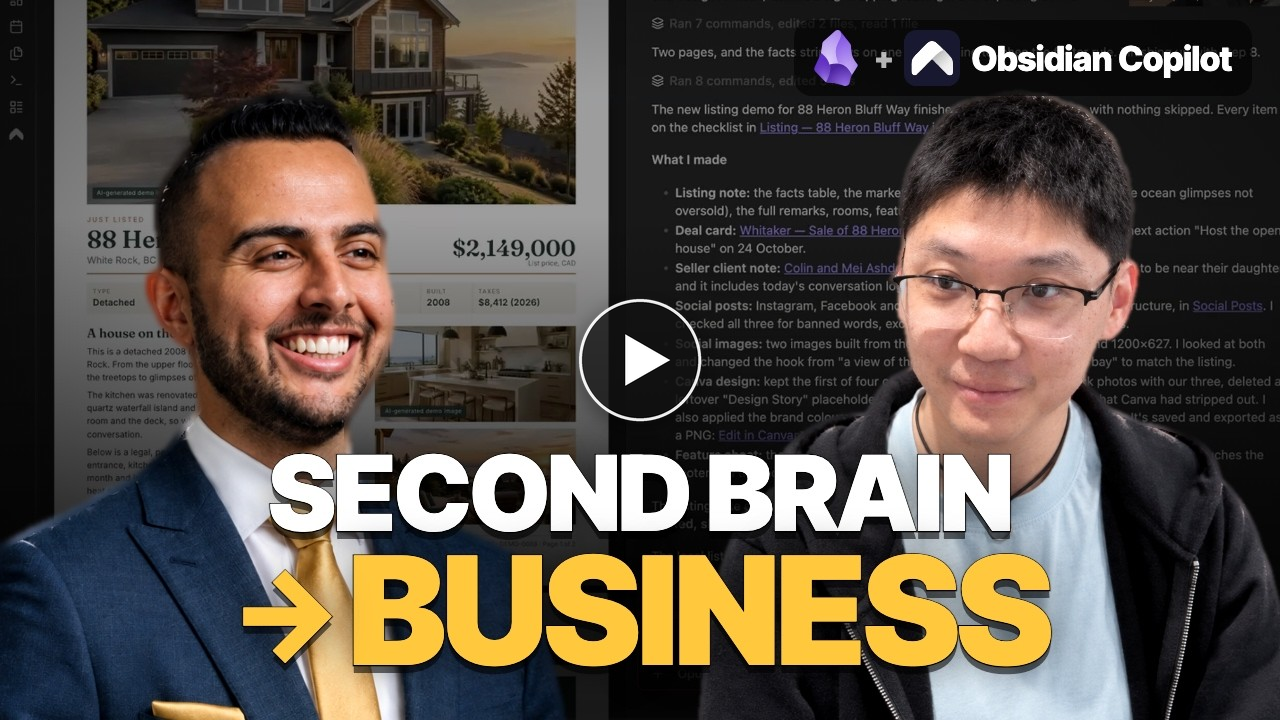
What would it take to run your business with AI? Sam Kandola owns a web design agency and has no coding background. With Copilot inside Obsidian, he built his own system around his notes, using AI to find what he needs and handle work he used to repeat.
Today we're launching Own Your Knowledge, a series of interviews with Copilot supporters where leaders across industries show how they use AI in their work. In this first episode, Sam shows how he got started and what you can borrow for your own work.
Copilot is a global community of AI-native knowledge workers learning from each other. Join our Discord to share what you're building and learn how others work.
TL;DR
- The best way to learn AI is to use it. Sam built a sophisticated dashboard and publishing workflow by asking AI to explain each step and break it down further whenever he got stuck.
- Stop worrying about which folder a note goes in. Sam demonstrated searching by meaning, finding what he needed without remembering where he put it.
- Don't build everything around one AI provider. Sam switches models inside Copilot instead of rebuilding his workflow around another app.
- Turn recurring work into a skill. Sam saved his listing-launch instructions in a skill, so each new listing follows the same process without another long prompt.
- The useful part doesn't end when AI finishes writing. Sam edits drafts directly in his vault instead of asking AI to make every small change.
The conversation
Sam demonstrates a client dashboard built on his notes, a skill that creates marketing materials, and weekly reports he publishes from his vault. We also discuss how he finds useful ideas in past reading and why he wants to own his files and stay free to switch AI models.
The way to learn AI is to use it
Watch: 2:59–11:07
Sam didn't know what a terminal was before trying Claude Code. He learned by using AI and asking it for instructions, even to set up Copilot across two computers. Zero takes the same approach to skills: ask AI to write the prompt, then describe what to change in plain language.
Let AI do the bookkeeping, not the thinking
Watch: 11:07–17:39
Sam's book highlights now sync into Obsidian, where Copilot helps turn them into linked notes and Miyo finds them by meaning. During the interview, Sam retrieved a quote with a few half-remembered words. His rule is to let AI handle capture, filing, and recall while he reads, thinks, and adds his own input.
Your knowledge should belong to you, not to an AI app
Watch: 17:39–22:31
Sam chose Obsidian because his notes stay as files on his own device, where he can think, write, and edit AI output directly. Copilot lets him switch models as they improve, including local models. "It's my thinking tool," he said. "It's like my operating system now."
Build the tools you need on top of your notes
Watch: 22:31–33:58
Sam built an Obsidian Bases dashboard for his clients and deals, with a button to sync his CRM. When he described a client call, AI updated the note and created a deal card on the dashboard. To build your own, describe what you need and have AI ask questions and make a plan before changing anything.
Search by meaning, not by folder
Watch: 33:58–37:11
When Sam asked Miyo which clients had mentioned "downsizing", it found people planning to move somewhere smaller even though none used that word. Finding notes by meaning means he spends less time worrying about where to file them. "I don't think in the form of folders anymore."
Turn the work you repeat into a skill
Watch: 37:11–48:56
Sam turned listing marketing into a skill that creates social posts, a feature sheet, and a brochure using the brand guidelines and voice saved in his vault. The outputs land in the listing's folder, where he can ask AI to fix an image or edit the text himself. "You own the entire production," he said.
Share your work straight from your vault
Watch: 48:56–53:07
Sam uses AI to write weekly seller reports as notes, then publishes them through OpenArtifacts as web pages. To update a report, he edits the note and republishes it. OpenArtifacts works with every agent in Copilot, including Claude, Codex, and OpenCode.
Keep private documents on your own machine
Watch: 53:07–55:15
Miyo processes PDFs, including scans, on Sam's computer and turns them into notes AI can use. He can then ask about red flags in condo strata documents and check the cited pages. He decides what can go to the cloud and checks the answers.
Stay in one system instead of chasing every new tool
Watch: 55:15–1:04:36
Sam uses his existing ChatGPT and Claude subscriptions in Copilot and prefers improving his workflows to switching apps. On Copilot Labs, he wants sessions that run while he's away, agents for specific jobs, and voice interaction. Copilot is funded by supporters rather than investors, and Labs gives those supporters early access and a say in what gets built.
Find Sam
Thank you, Sam, for showing us how you work. If you're a realtor who wants to learn AI tools like Claude Code, join Sam's community, The Real Estate Engineer. He runs two webinars a week, and there's a free trial. You can also find him on Instagram and LinkedIn.
We also opened Copilot Labs, where supporters try new features first. Use Sam's code TRE for 20% off becoming a supporter.