
Introducing Copilot for Obsidian 2.9.0 - An Environment for Thinkers and Writers
Dear friends,
After months of feedback from our community (especially our Believer and Power User testers), we've been working on three features that I think will genuinely change how you work with your notes.
If you've been thinking about trying Copilot Plus, this might be a good time to check it out!
The Three Big Updates
Projects Mode (Alpha) - Your Focused Research Workspace
What it is: Think of it as creating a dedicated AI assistant for each of your projects. Instead of searching your entire vault every time, you can now define a specific workspace with its own context, instructions, and files.
Why we built it: The existing @vault queries work with search (RAG), where the AI only sees small chunks of retrieved results. But when you're deep into research - whether it's academic papers, a complex project, or diving into documentation - you want an AI that actually understands the bigger picture. That's where Projects mode comes in with its long context window and token caching.
How it works:
- Pick "Projects Mode" above the chat box
- Create a project with your custom instructions and relevant files
- We support 20+ file types (PDFs, EPUBs, presentations, spreadsheets, etc.)
- The AI gets a 1M-token context window
- Ask abstract questions like "find common patterns across these research papers"
Quick heads up: Since this is still in alpha, you'll need your own API key, so keep an eye on your usage to avoid surprise bills! We handle the context processing for 20+ file types on our servers to save you costs there.
Composer - Edit Notes by Chatting
What it is: Edit or create notes just by having a conversation with Copilot! Trigger it with @composer in your message.
Why we built it: Note editing should feel natural. Sometimes you want to quickly highlight key points, generate tags, or restructure content without leaving the chat flow.
How it works:
- Type
@composerin your message - Copilot suggests edits in a diff view
- Accept changes line by line or all at once
- Works with Canvas too!
- (We're adding a button soon so you won't need to type
@composerevery time)
Autocomplete
What it is: Context-aware suggestions that learn from your vault to help you write faster.
Why we built it: Because typing the same phrases over and over gets old, and generic autocomplete doesn't understand your specific terminology and writing patterns.
How it works: Two types of completion that you can toggle separately:
- Sentence completion: Suggests next words based on your context
- Word completion: Finishes partial words using terms from your vault
They're separate so you can be flexible - if sentence completion feels distracting, disable it but keep word completion.
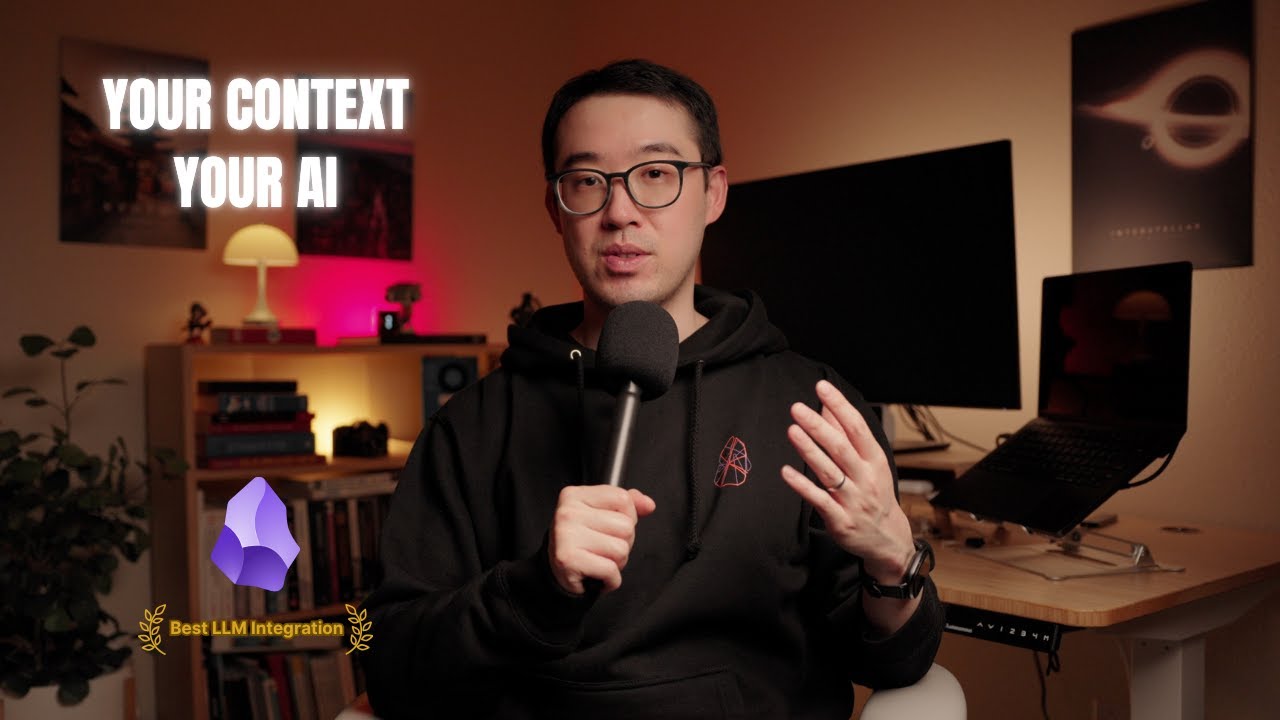
Demo Video
User Showcase
Check out how our power user Jason made some mindblowing professional interactive presentations using Copilot with a single prompt! 🤯
- AI Reinventing Market Research - Andreessen Horowitz
- Apple WWDC 2025: A New Era of Design and Intelligence
Troubleshoot
- If you're upgrading from a preview version, backup your Copilot plugin's
data.jsonfile before reinstalling - If models disappear from dropdowns, hit that "Refresh Built-in Models" button in Copilot model settings
- More questions? Hop on our Discord and ask in the member channel!
What's Next
We're finalizing our roadmap and have some exciting changes coming to both the free and paid modes. Your feedback in Discord has been incredible—keep it coming!
If these features sound useful to you, give Copilot Plus a try. We think you'll like what we've built.
Thanks for being part of this journey with us. Can't wait to see what you create with these new tools!
Best,
Logan